![Alexa Logo - _WOTRNS - ATAI-1.png]](https://support.alexatranslations.com/hs-fs/hubfs/Alexa%20Logo%20-%20_WOTRNS%20-%20ATAI-1.png?height=50&name=Alexa%20Logo%20-%20_WOTRNS%20-%20ATAI-1.png)
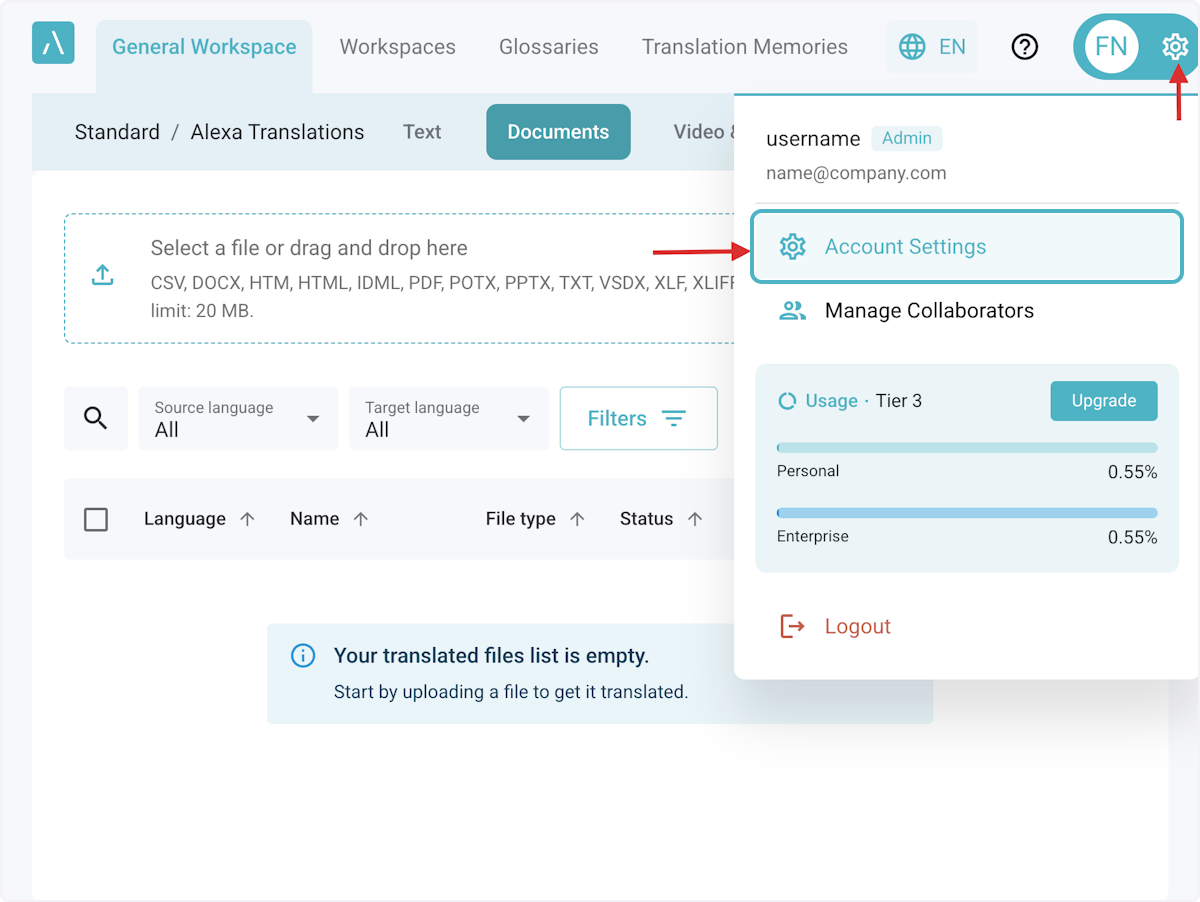
1. Click on Settings > Account Settings.
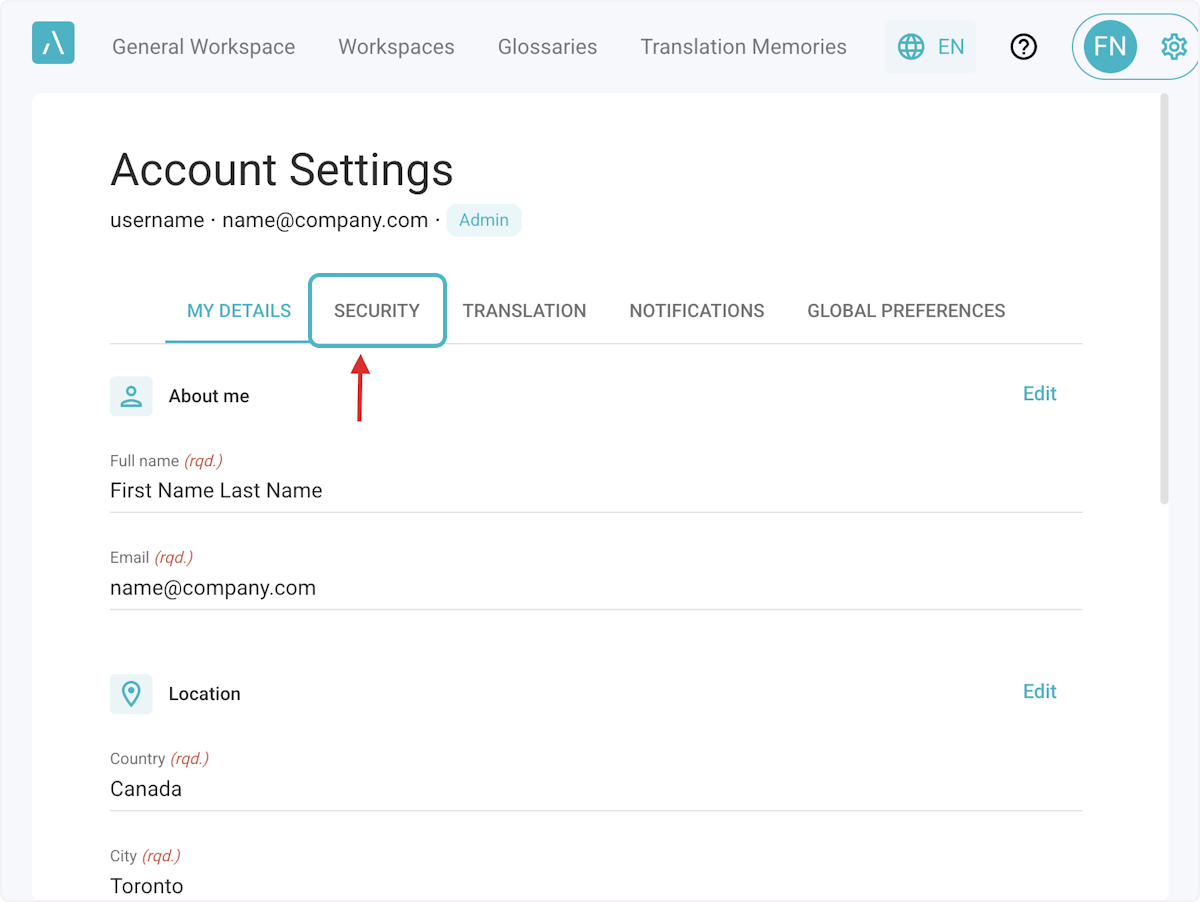
2. Click on Security.
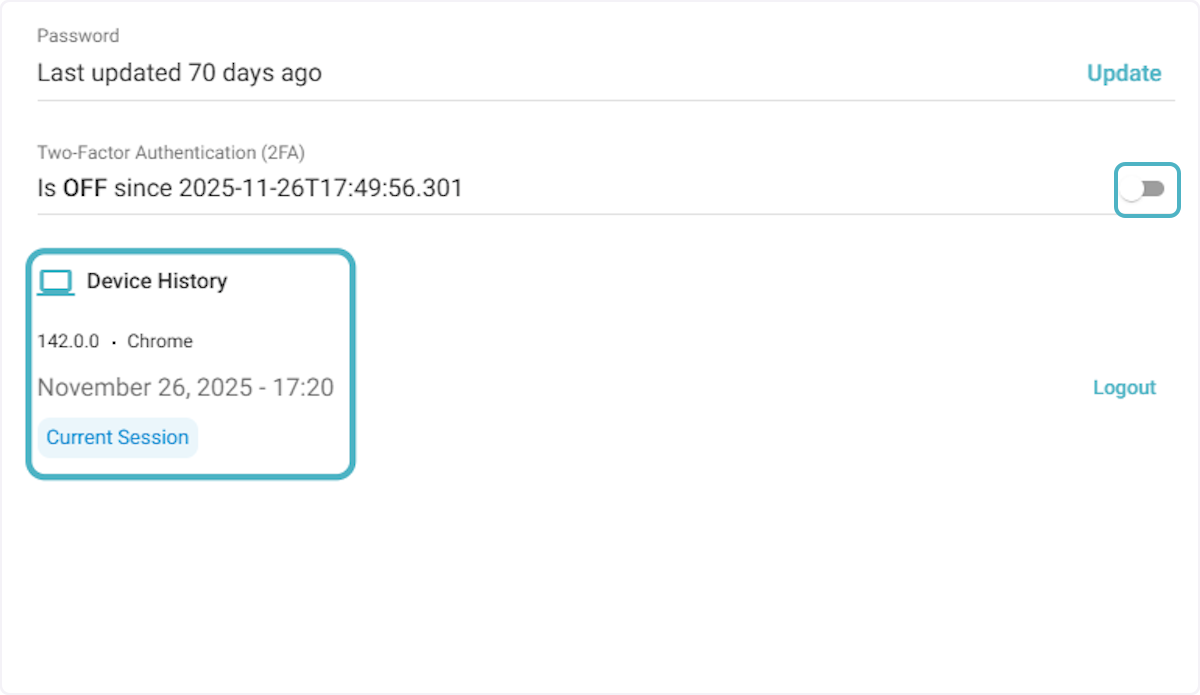
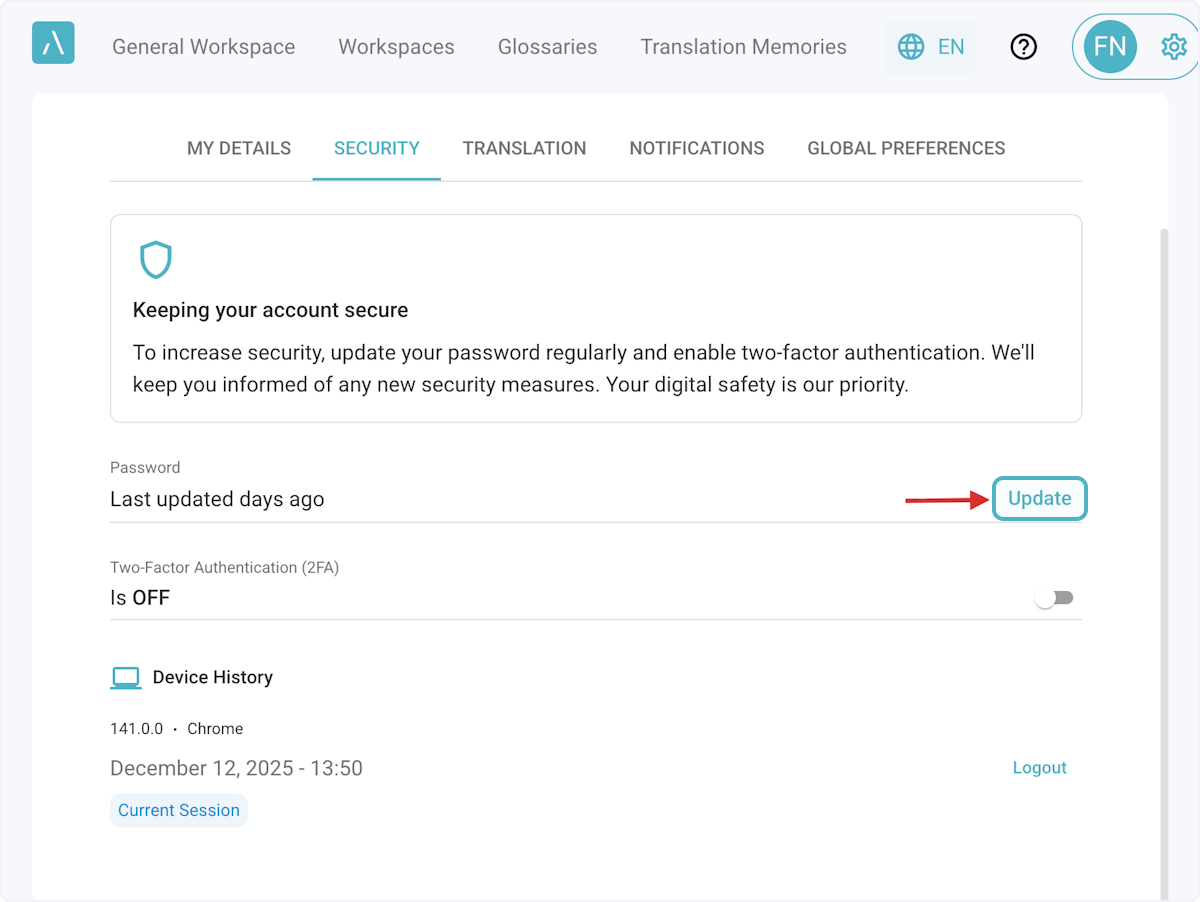
3. Click on Update to change your password.
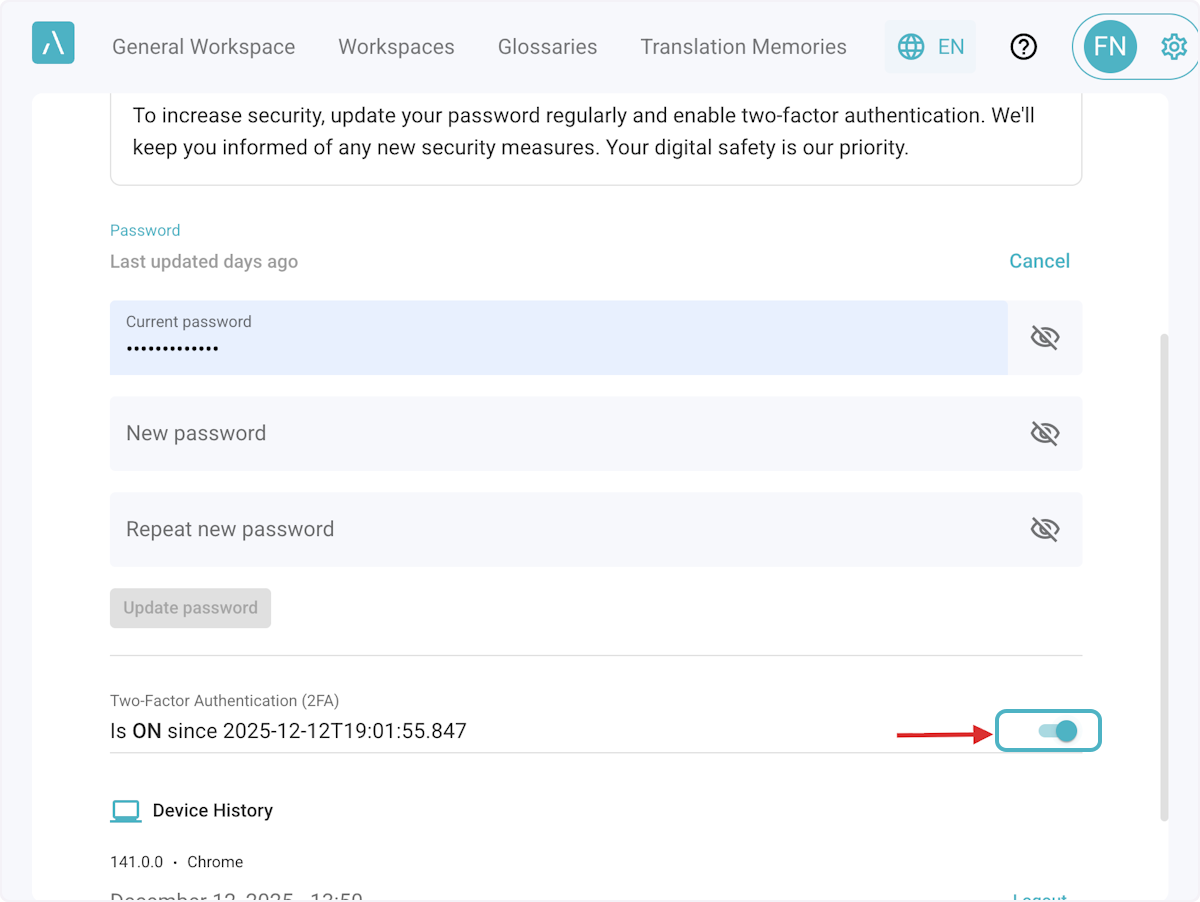
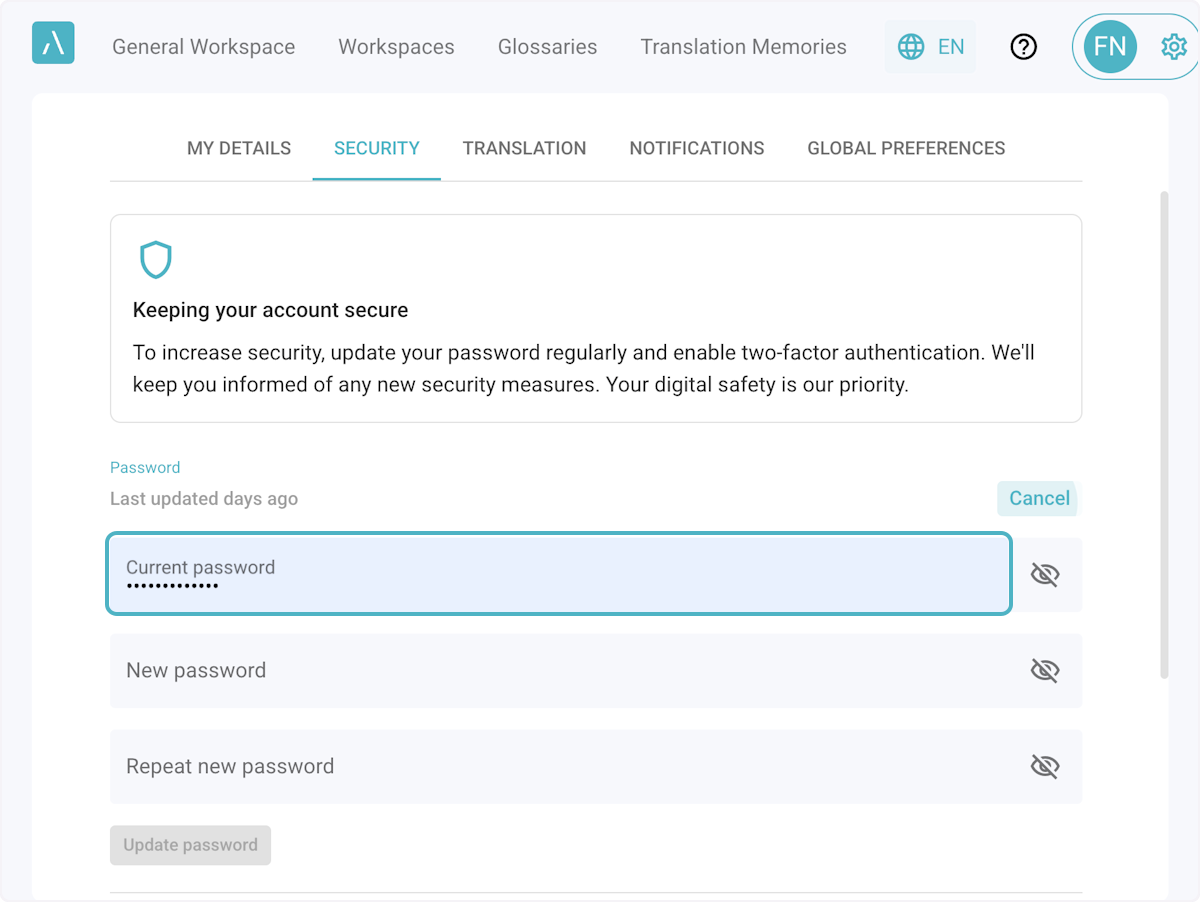
4. Enter the Current Password and the New Password, and click on Update password to save changes.
5. Two-Factor Authentication can be activated by switching the toggle next to it.