![Alexa Logo - _WOTRNS - ATAI-1.png]](https://support.alexatranslations.com/hs-fs/hubfs/Alexa%20Logo%20-%20_WOTRNS%20-%20ATAI-1.png?height=50&name=Alexa%20Logo%20-%20_WOTRNS%20-%20ATAI-1.png)
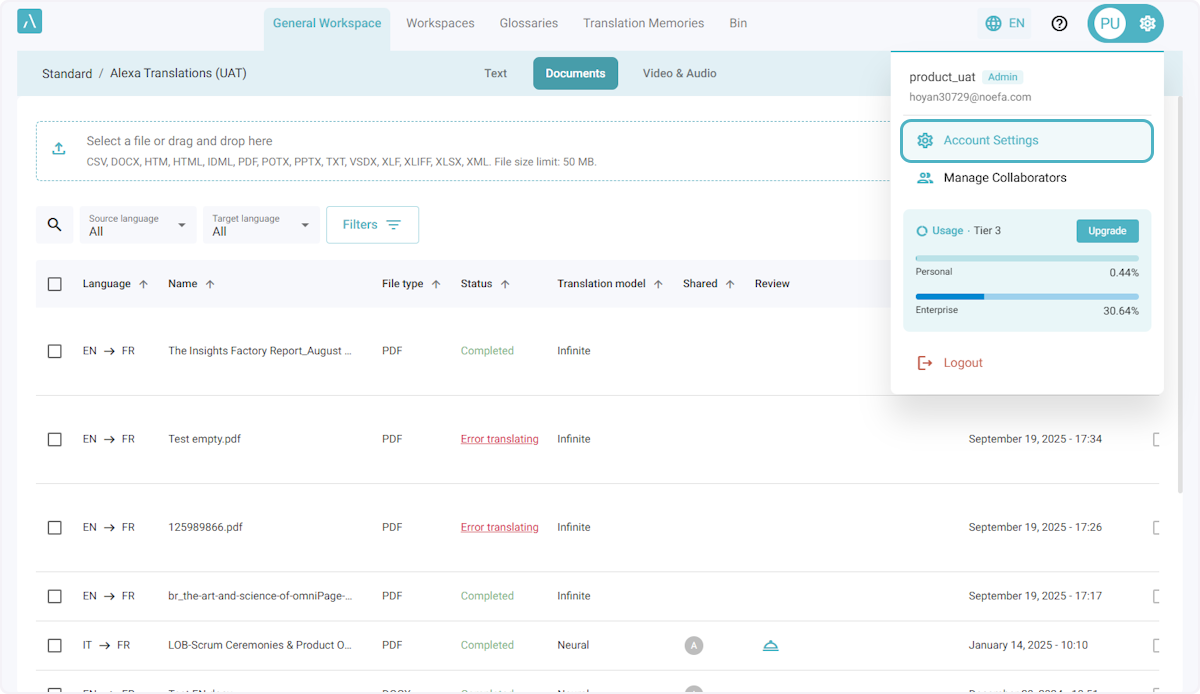
1. Click on Settings > Account Settings.
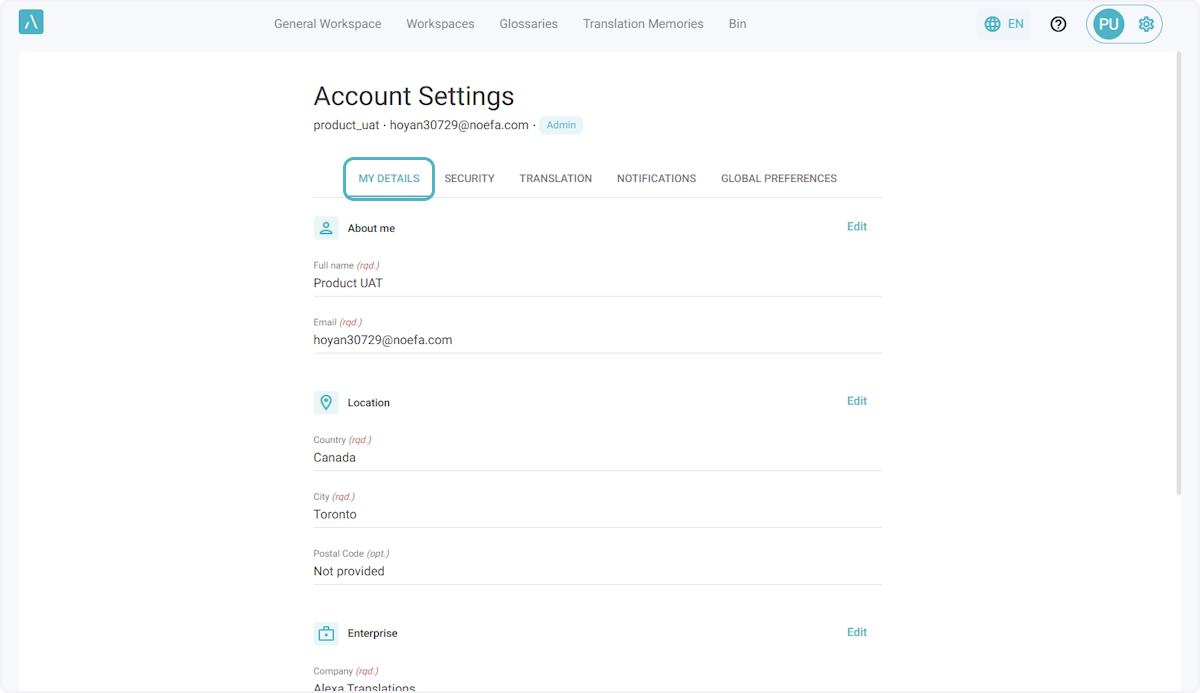
2. Click on My Details.
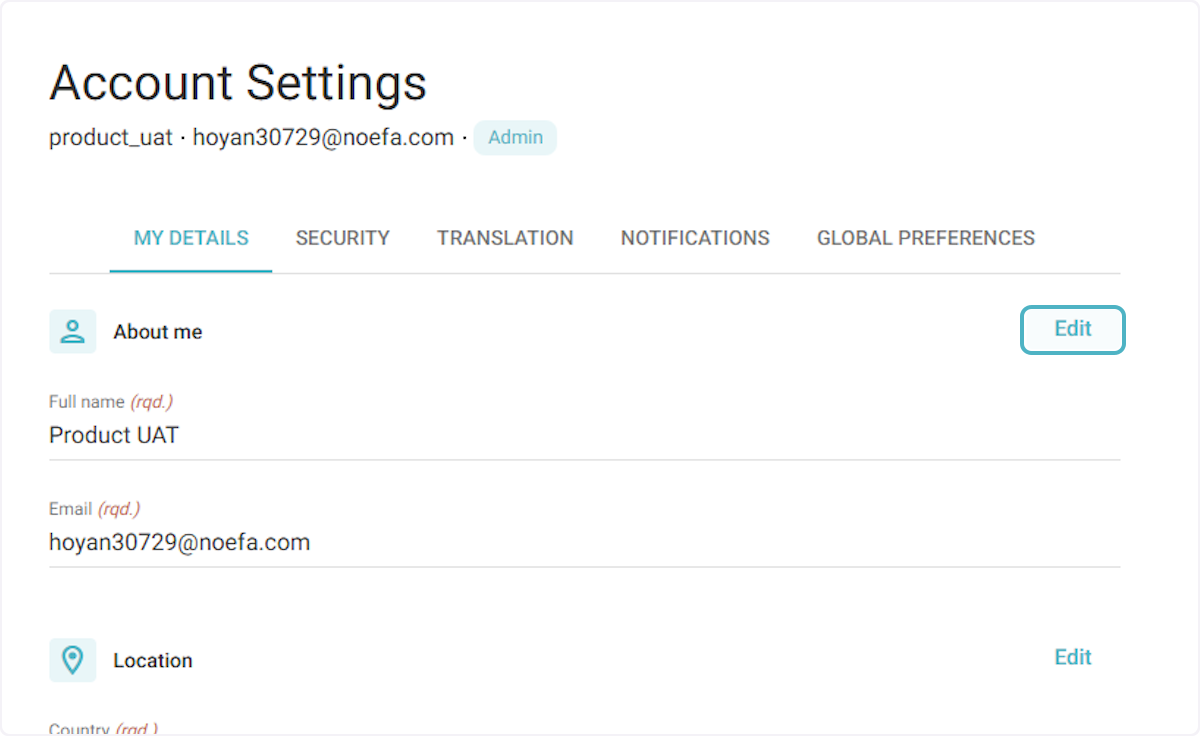
3. Click on Edit next to any section to update the corresponding details.
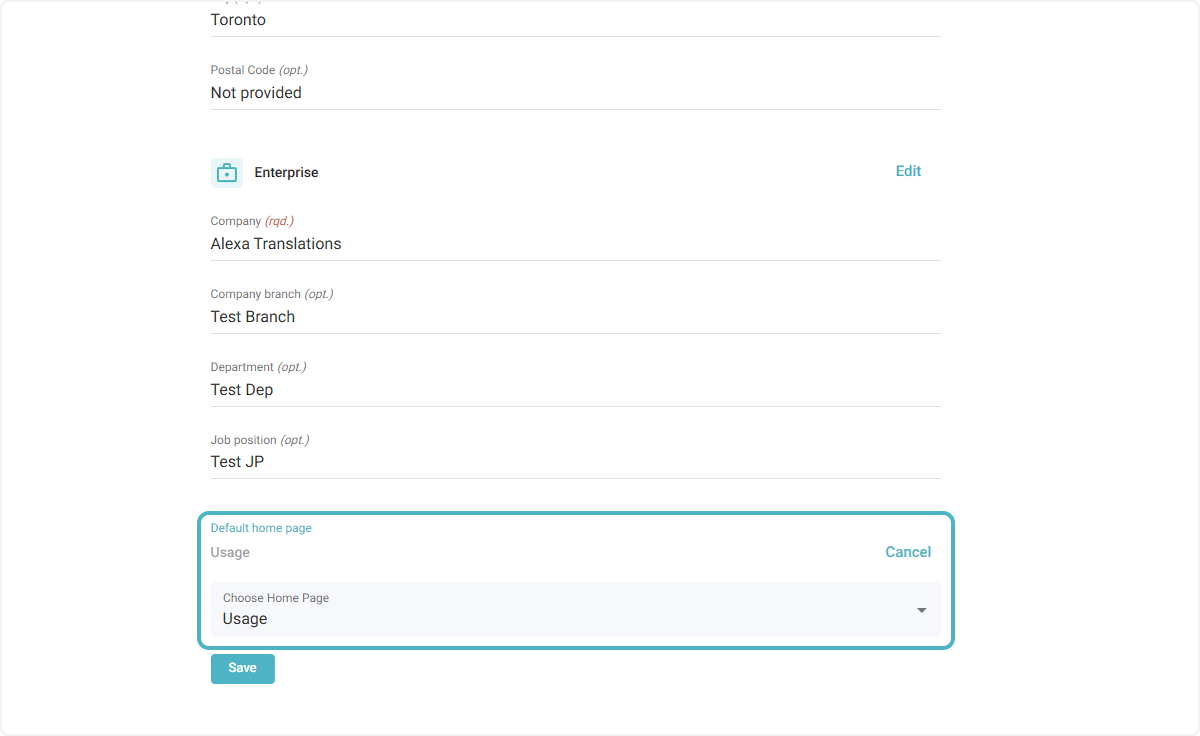
4. To set a default home page, select from the dropdown.
Note: If the home page is changed from the General Workspace, the General Workspace will still remain as a usable space.