![Alexa Logo - _WOTRNS - ATAI-1.png]](https://support.alexatranslations.com/hs-fs/hubfs/Alexa%20Logo%20-%20_WOTRNS%20-%20ATAI-1.png?height=50&name=Alexa%20Logo%20-%20_WOTRNS%20-%20ATAI-1.png)
1. Clik on Settings, then click on Manage Collaborators.

2. A detailed list of users will be displayed.
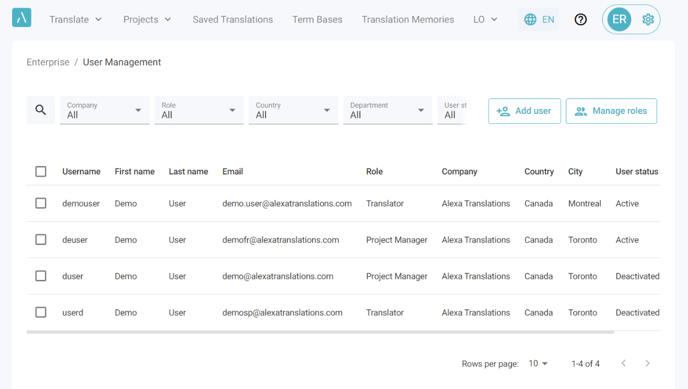
3. Select a user and Click on ... under actions to Edit, Deactivate/Activate or Delete the user.

2. A detailed list of users will be displayed.
3. Select a user and Click on ... under actions to Edit, Deactivate/Activate or Delete the user.