![Alexa Logo - _WOTRNS - ATAI-1.png]](https://support.alexatranslations.com/hs-fs/hubfs/Alexa%20Logo%20-%20_WOTRNS%20-%20ATAI-1.png?height=50&name=Alexa%20Logo%20-%20_WOTRNS%20-%20ATAI-1.png)
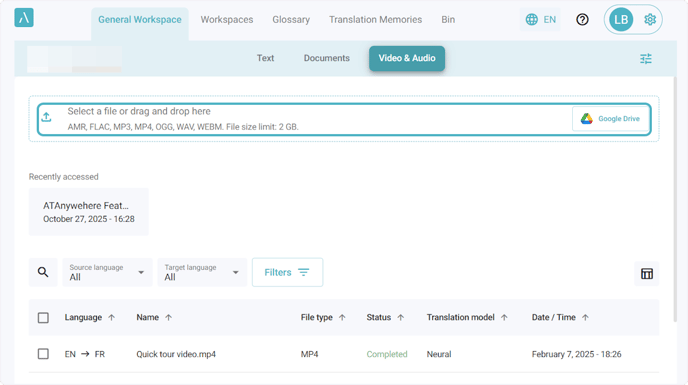
1. Click the Video & Audio tab in your preferred Workspace
2. Upload the file to be translated
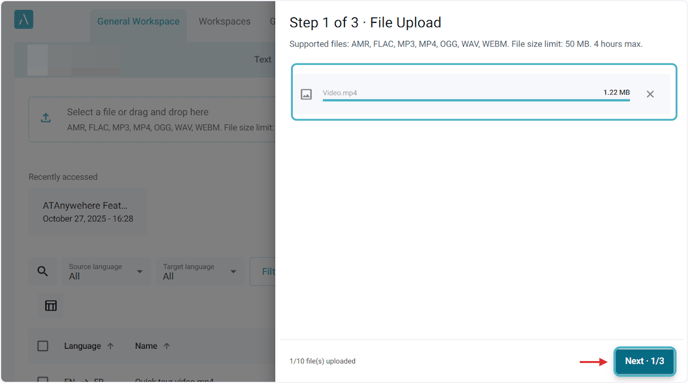
3. Once the file is uploaded, click Next to continue.
4. Select the language direction and click on Next

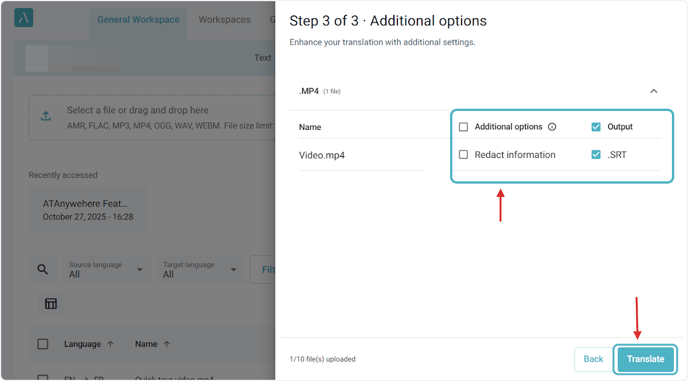
5. You can choose to redact personally identifiable information (PII) in the audio or video before clicking Translate
6. Once the file is completed, you can click the file name to open it in the Editor.
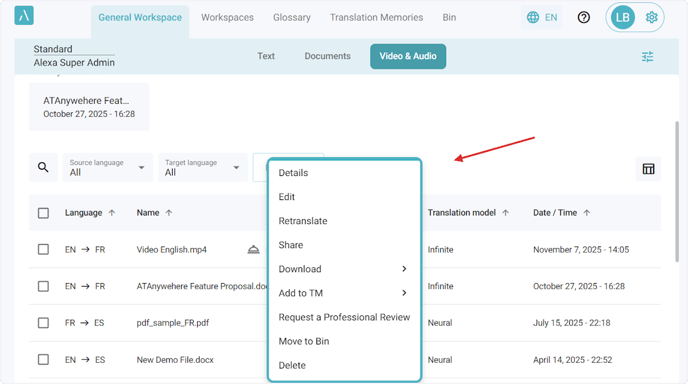
Click the three dots to see all available actions.